
Navigation: Overview // Features // Technical
Jump to: Palette & Textured | Framing | Backdrop | Grain | Generators | Shadow | Glow | Exotic | Corrupted | Moonlit | Glitch | Bounded | Discontinuous
Note: Most features of Isoplanet are subtle, and their effects depend on the state of other features and variables.
Palette & Textured
The color palettes of Isoplanet include palettes from previous projects as well as 6 new palettes. Repeats include ‘Asteroid’ (which has been in nearly all of my previous projects) and ‘Wingtip Sunrise’. The 6 new palettes are ‘Hibiscus’, ‘Techtonic’, ‘Golden’, ‘Bone’, ‘Uranium’, and ‘Bokeh’.
Outputs of Isoplanet use up to 4 ‘sand generators’ to pour sand onto the canvas. Each generator is given a specific color or color set from the chosen color palette, and can only pour sand of that color.
There is a special subtype of color palettes called ‘Textured’ color palettes. There are 10 textured palettes. 4 of those palettes are modifications of the standard palettes, while 6 are standalone. Rather than a set of colors, textured palettes are a set of sets of colors. For example, there is a flat color palette titled ‘Caterpillar’, and a textured color palette titled ‘Caterpillar Textured’. ‘Caterpillar Textured’ adds extra variants to the each of the colors of the ‘Caterpillar’ palette, as shown in the image below.
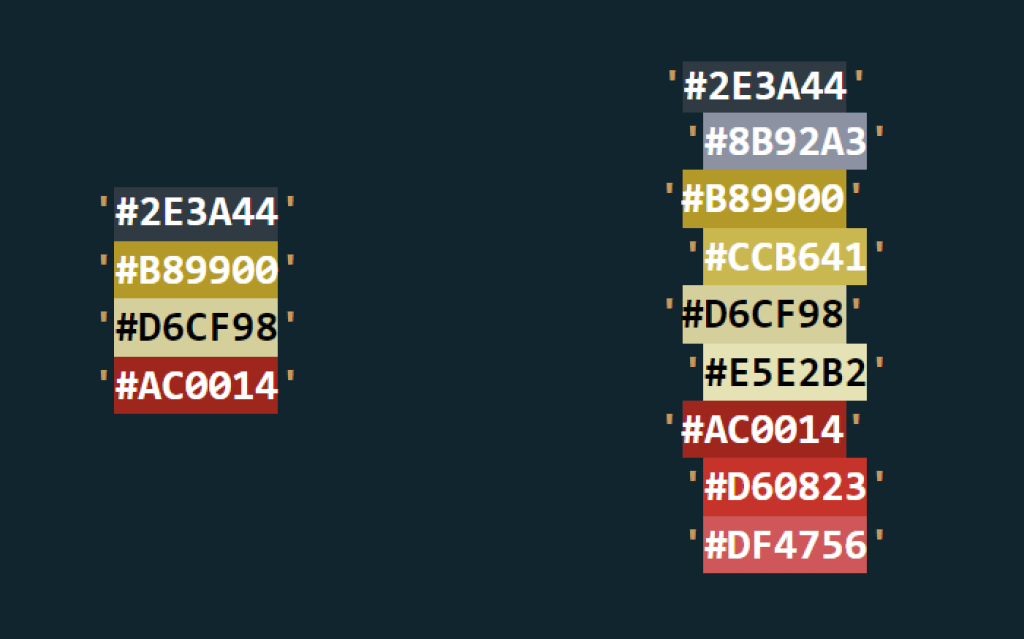
For flat palettes, the generators pour sand of a single color, while textured color palettes randomly select from their color sets. The result is subtle. ‘Textured’ palettes produce a more textured sand, while flat palettes produce a more flat sand.

Framing
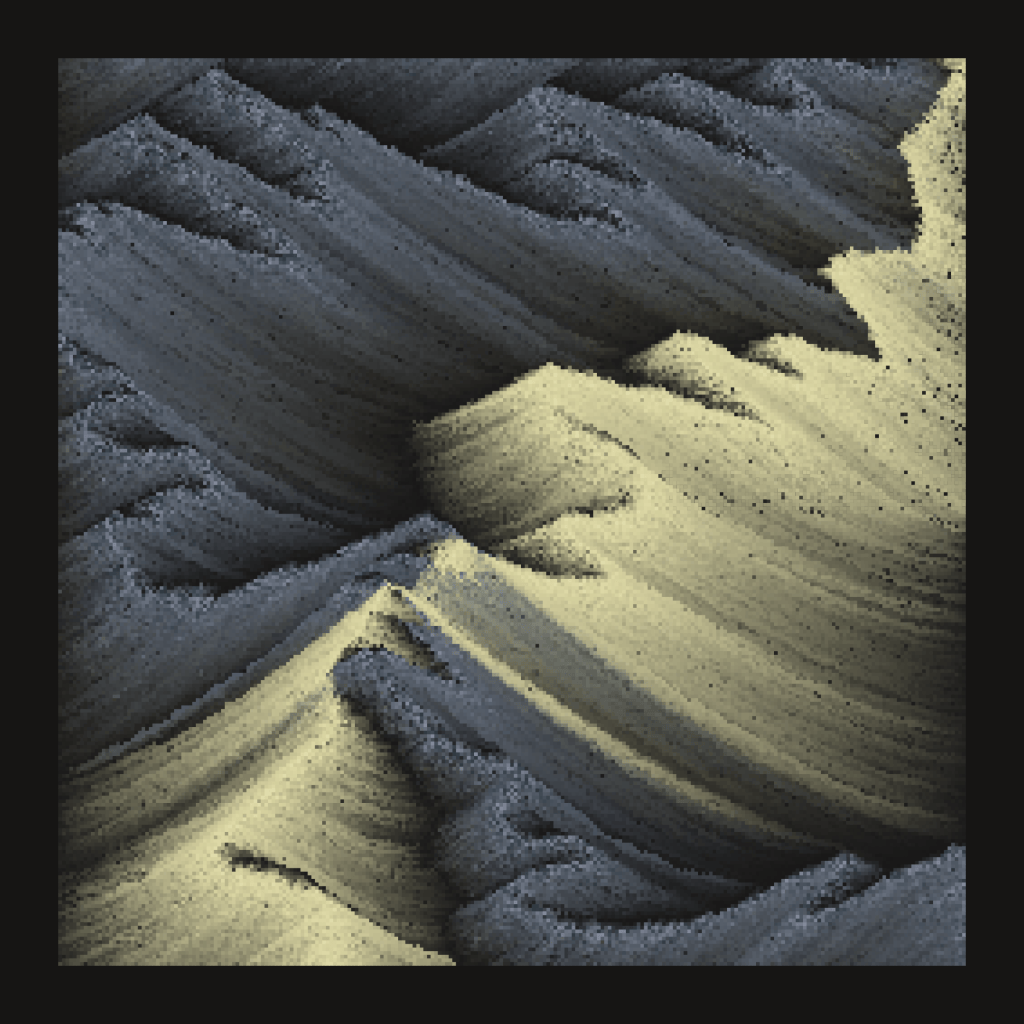
This trait is straightforward. There are two aspect ratios possible: 1:1 and 1:2 (vertical and square). Vertical framing is more common.

Backdrop
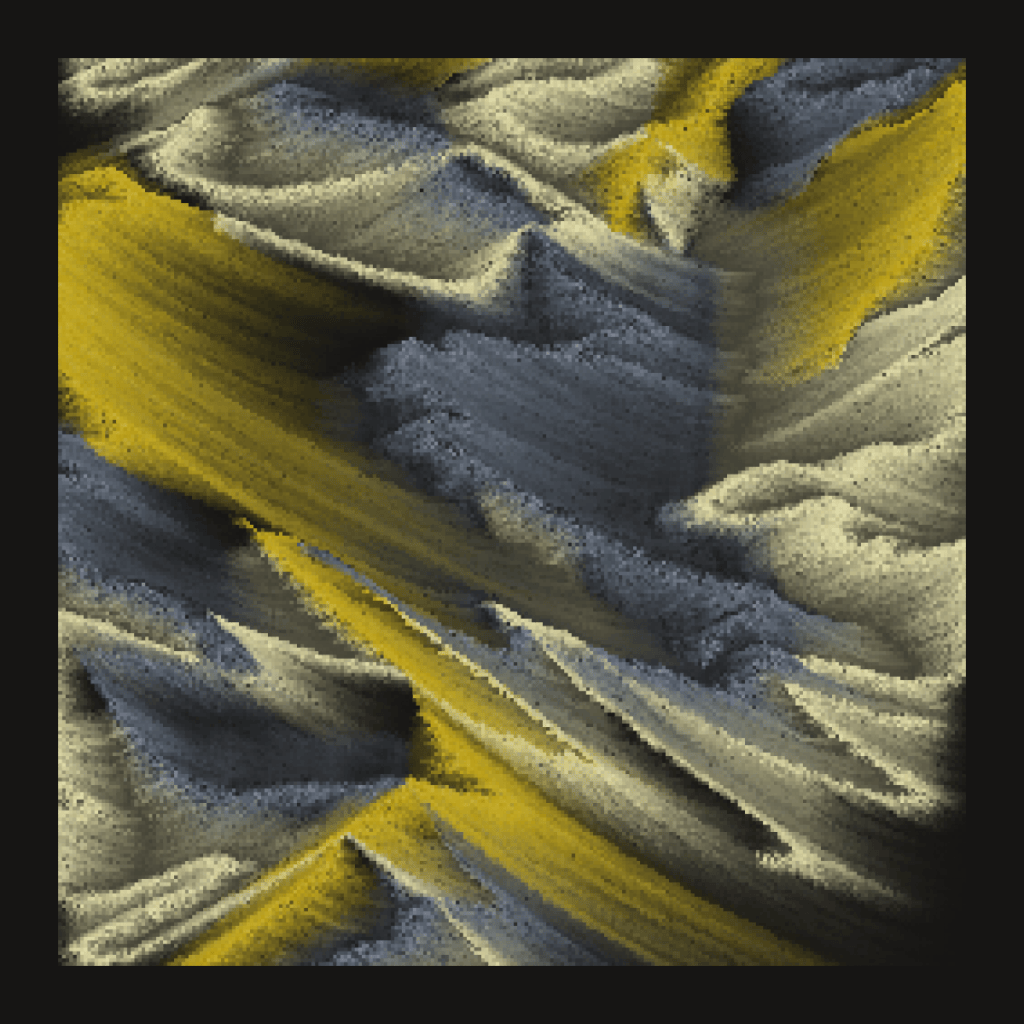
‘Backdrop’ describes the common color that all sand particles slowly fade to. Its most noticeable around the edges of the canvas, or in the valleys between two mountain faces. There are 3 possible backdrops: ‘Darkness’, ‘Color’, and ‘Static’. ‘Darkness’ fades to the dark background color, ‘Color’ fades to a single predefined color from the outputs palette, and ‘Static’ fades to multiple colors from the outputs palette. This feature is not always obvious, and often is obscured by the ‘Glow’ and ‘Shadow’ features. For more detail on this, read the technical page on how color is mixed.

Grain
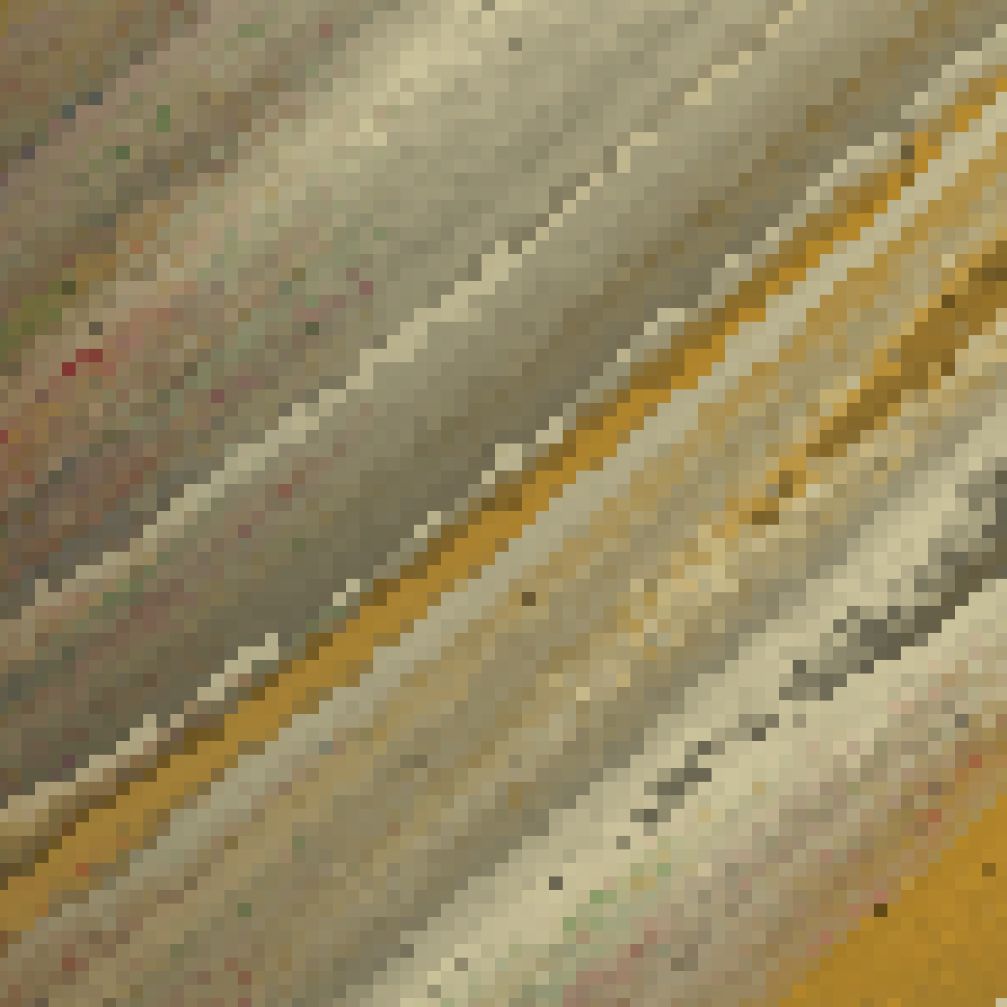
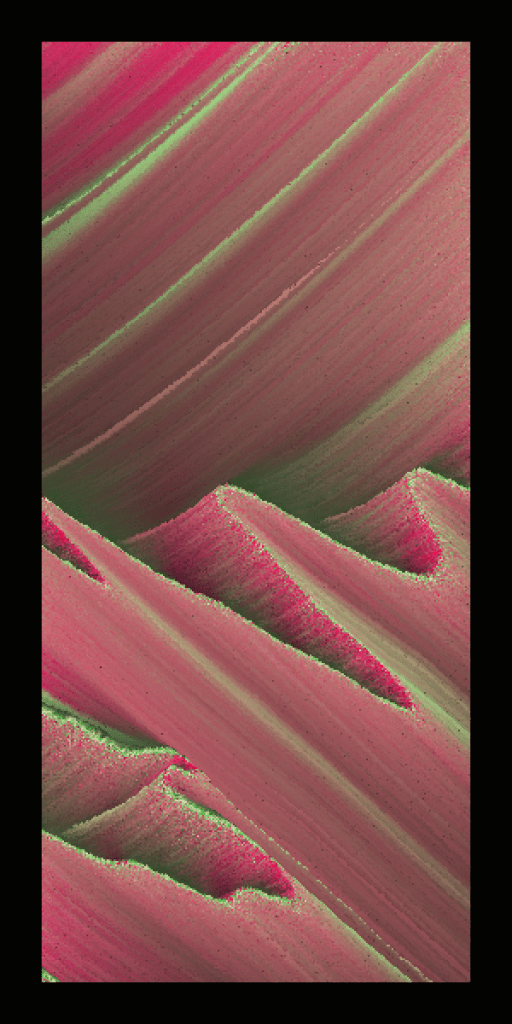
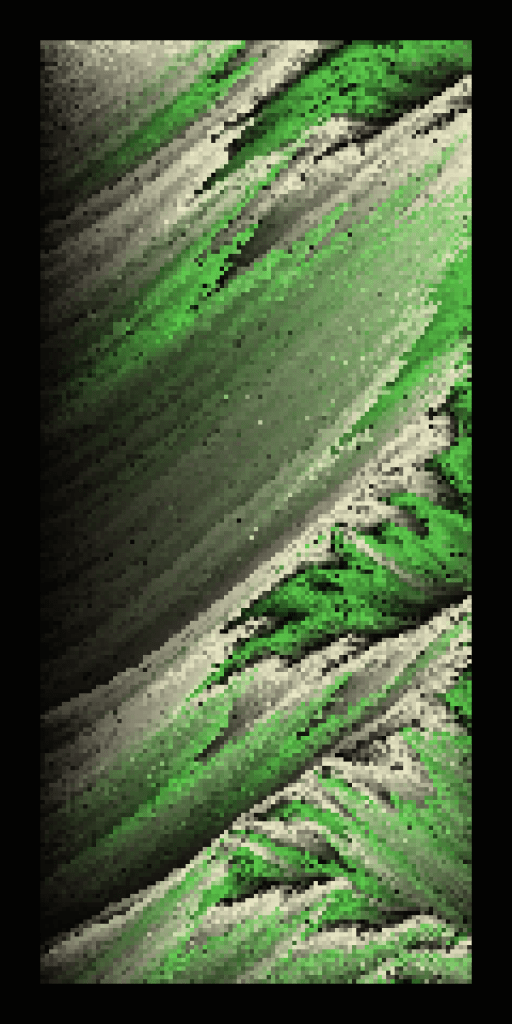
‘Grain’ describes the size of sand particles (or pixels) in either ‘Fine’, ‘Standard’, or ‘Coarse’. Pixel size changes the sense of resolution, where ‘Coarse’ outputs appear more pixelated. ‘Fine’ outputs are smoother and take longer to render, but show much more detail.
Generators
Between 2 and 4 ‘sand generators’ pour sand onto the canvas to create each output. The ‘Generators’ feature simple notes how many generators in each output.
Shadow
‘Shadow’ describes how dark shadows appear. From lightest to darkest, its options are ‘Soft’, ‘Normal’, and ‘Harsh’.

Glow
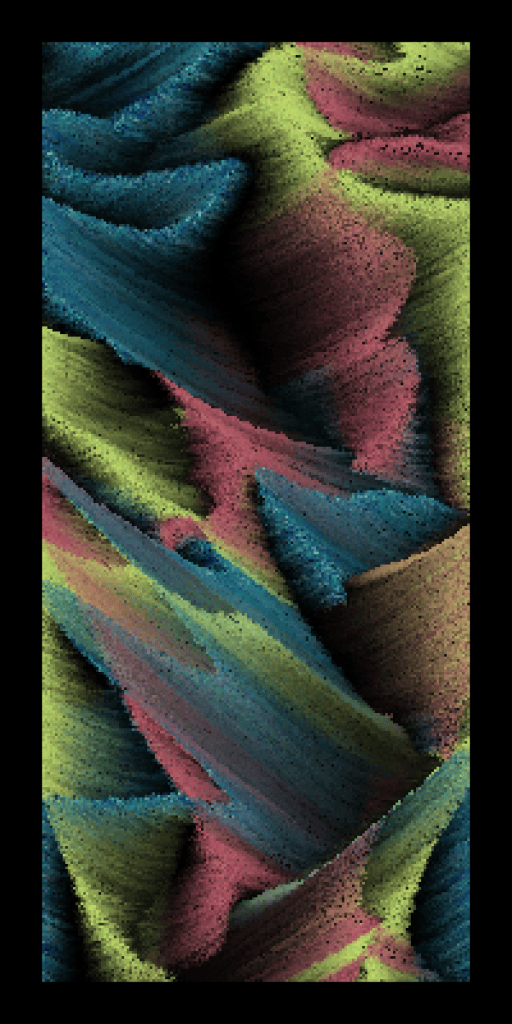
Sand particles share color with surrounding particles, depending on how they interact. This causes a glowing or blending effect described by the ‘Glow’ trait. The strength of this glow, from low to high, is ‘Minimal’, ‘Low’, ‘Balanced’, ‘High’, and ‘Maximum’. There’s also a special ‘Mixed’ option, where each sand generator has its own glow value.
Exotic
Similarly to the ‘Textured’ feature, ‘Exotic’ causes each sand generator to pour a mix of colors, rather than a single color. While ‘Textured’ mixes a predefined set of colors, Exotic randomly combines colors from within the palette, creating new and unusual combinations.
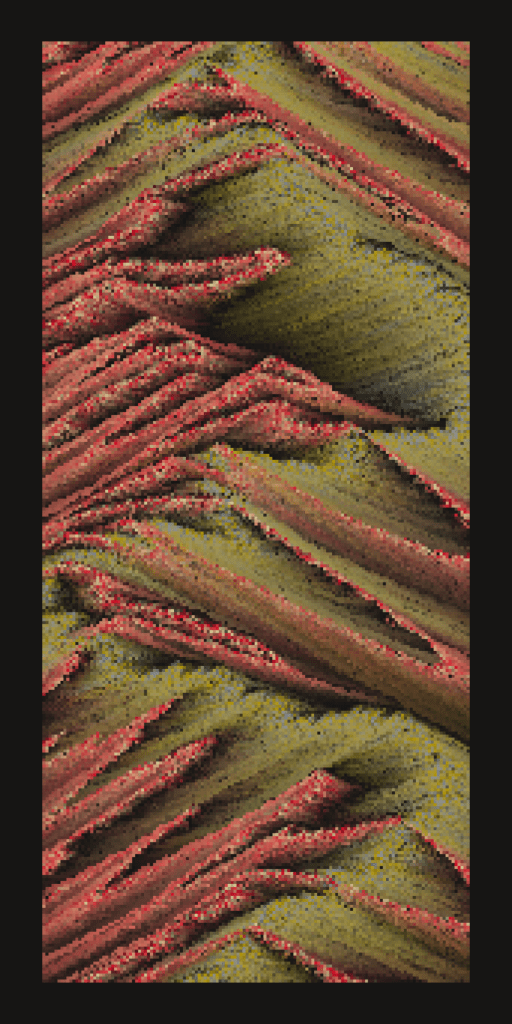
Corrupted
One of the more rare features, ‘Corrupted’ changes how shadows function. Instead of fading into darkness, particles fade to color.
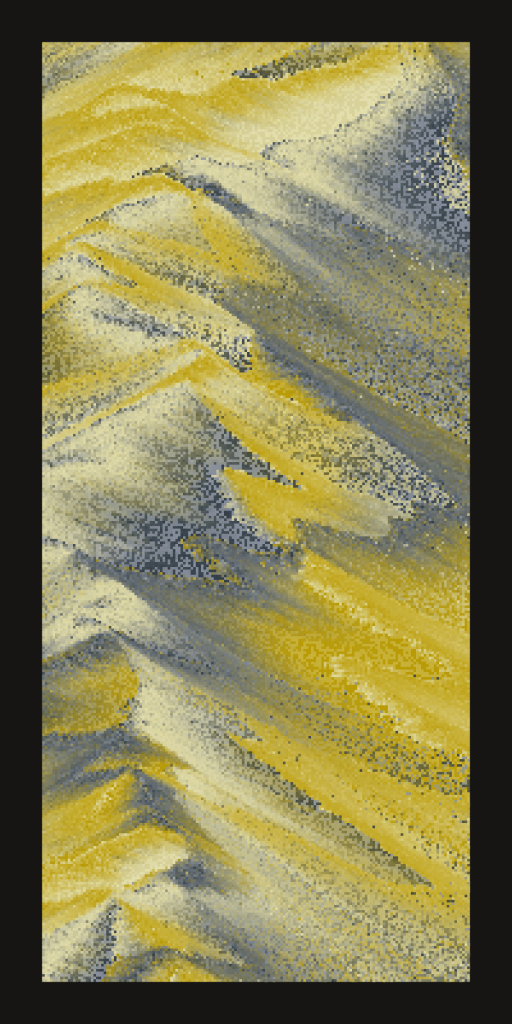
Moonlit
The most rare feature, ‘Moonlit’ depicts planets cast in moonlight. This feature uses special color palettes of a single color.
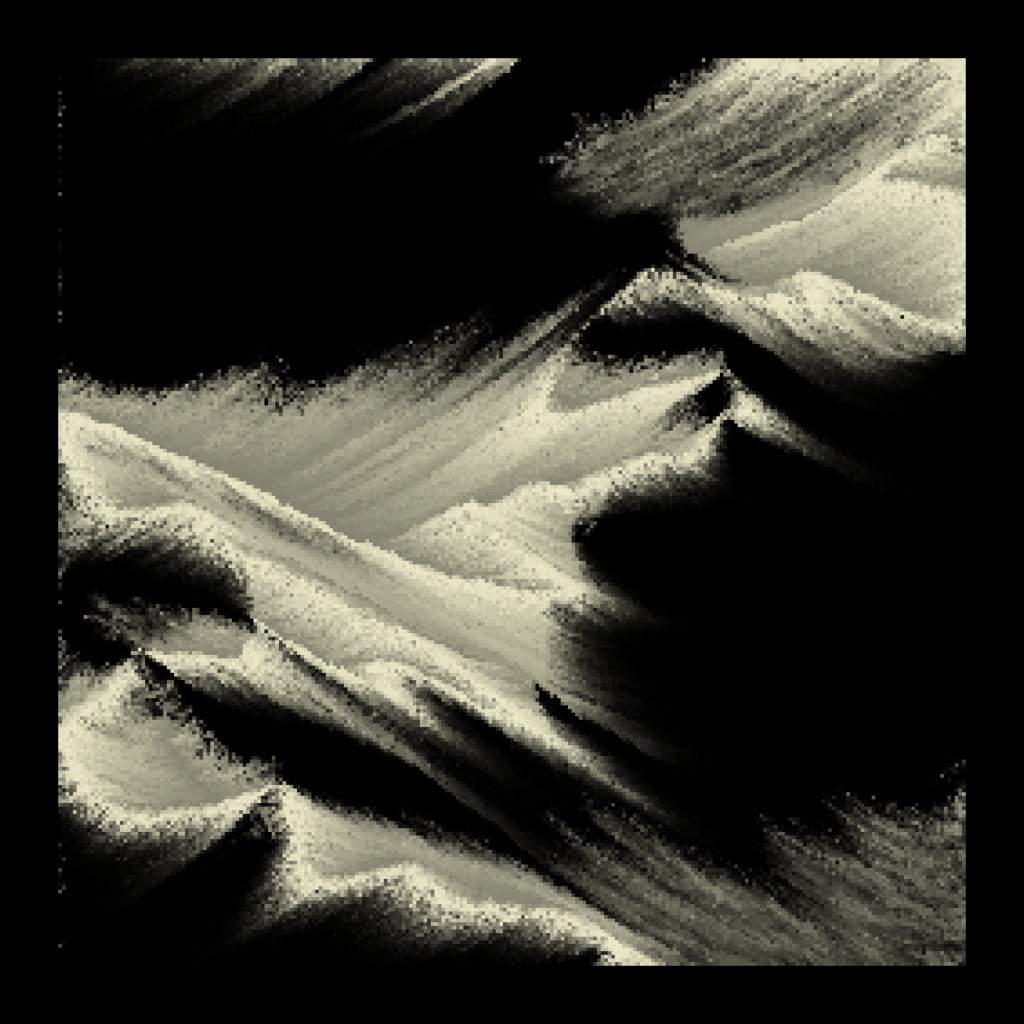
Glitch
During the development of Isoplanet, I ran into a wild bug that seemed to cause invisible walls to form randomly on the canvas. It was super interesting, so after figuring out what had caused the issue, I decided to keep it as a rare feature.

Bounded
The path that the sand generators follow while pouring sand often go beyond the bounds of the canvas. ‘Bounded’ determines whether to lock the generators to the canvas or allow them to venture beyond its edges.
Discontinuous
Instead of smoothly following the path of their shapes, sand generators jump along their paths at random intervals.
