Navigation: Overview // Features // Technical
Falling sand simulation
The most core system in Isoplanet is a simple 2D simulation of sand. Sand in this case is a particle that falls with gravity, collides with other particles, and experiences sideways instability.
Sand particles exist inside a 2D grid. Each sand particle takes up one cell, and can ‘sense’ its 8 adjacent cells (left, right, up, down, and diagonals). A particle will move down every frame until it either detects another particle in the cell directly below it or hits the edge of the canvas.
Once a particle hits another particle directly below it, it will moved depending on the state of the bottom left and bottom right cells.

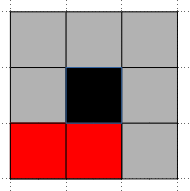
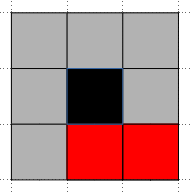
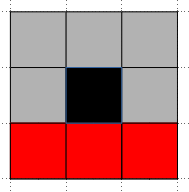
In case A, the particle will move to either the bottom left or bottom right based on a 50/50 chance roll. In case B it will move to the bottom right, case C bottom left, and in case C it will stop moving.
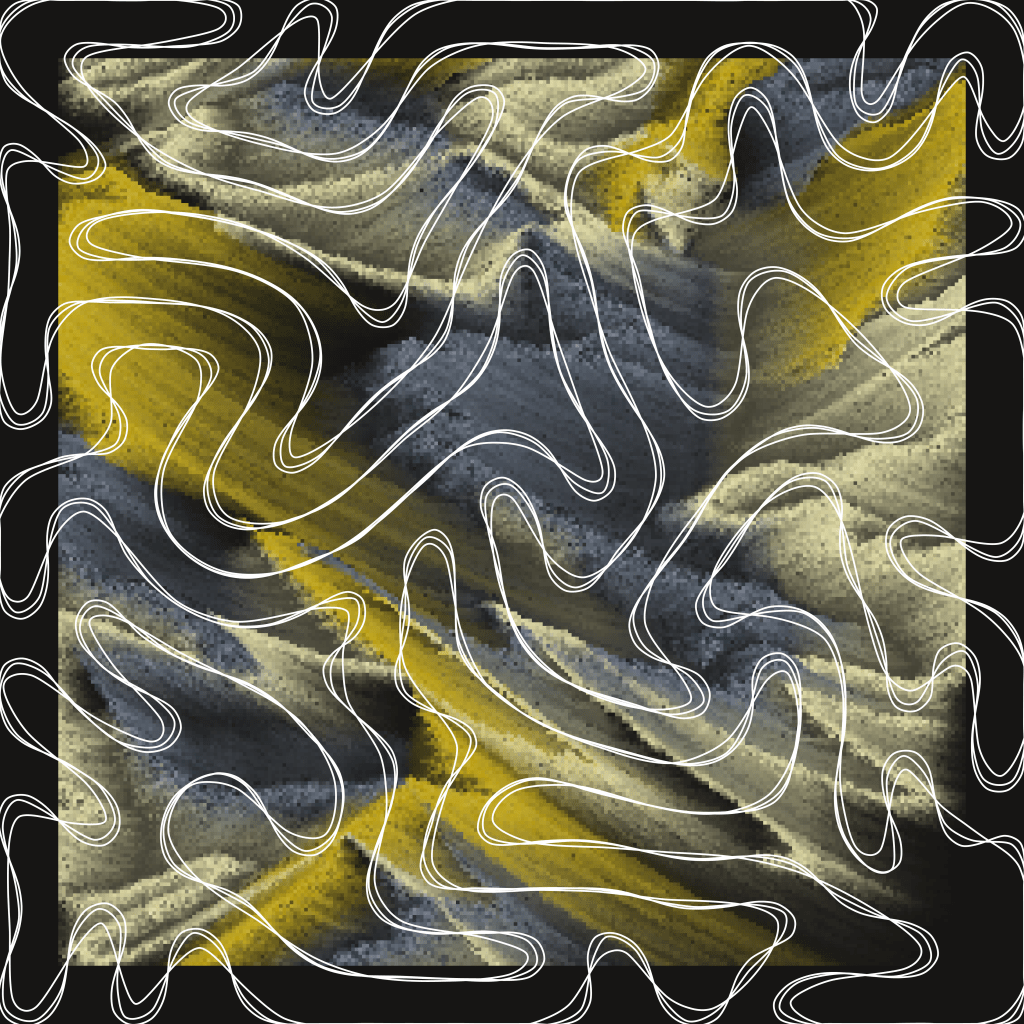
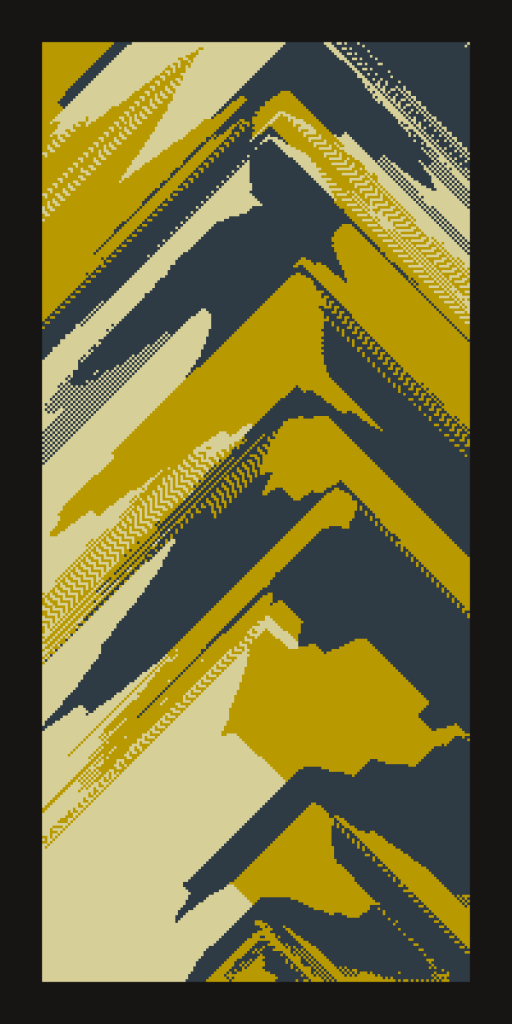
These are the basic rules of a falling sand simulation. With these rules, sand poured onto the canvas form neat triangular piles. Here’s an example of a random Isoplanet output only using these basic rules.
Adding Weight
The first modification to make this a bit more interesting is to add weight to each particle of sand. We want to allow heavier sand particles to displace lighter sand particles. We could simply swap positions during collision, but lets make things more complicated.
Lets say we have particle A which is heavier than particle B. Particle A collides with particle B, where particle B is directly below particle A. In this situation, particle B will check all surrounding cells. If there is an empty space available, particle B will move to that space, and particle A will take particle B’s now empty space. If there is no empty space available, no displacement will occur.
Here is the same output, now with weighted particles and displacement.
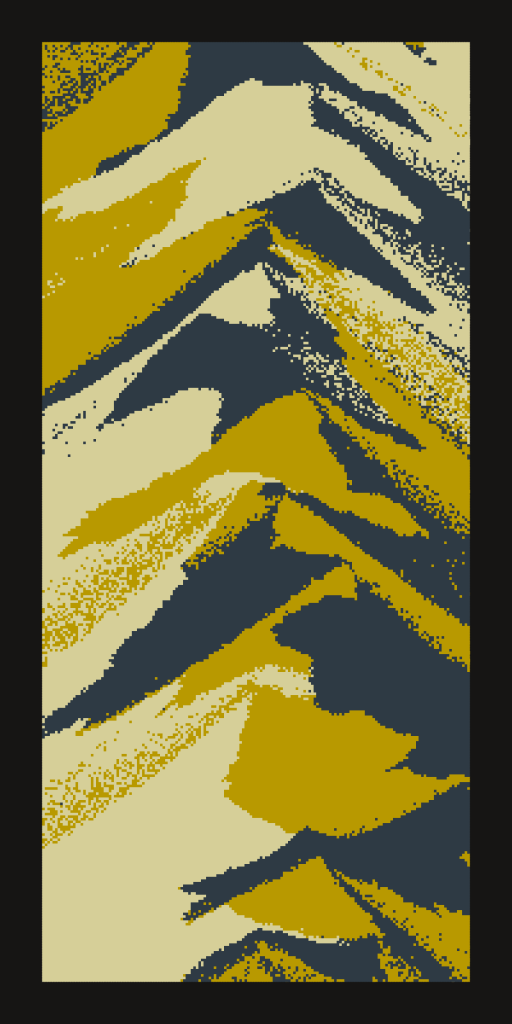
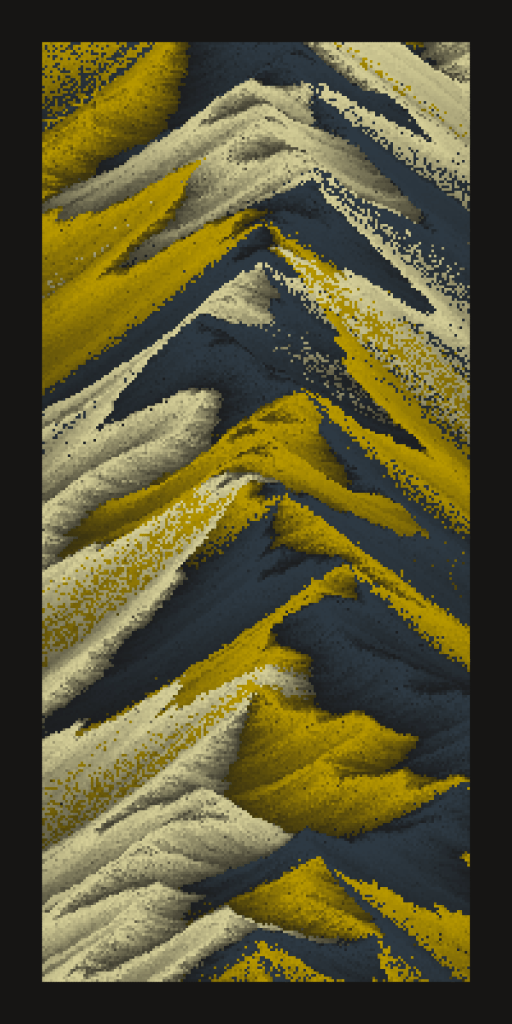
Next, lets shade particles based on weight, so heavier particles are darker than lighter particles.
Color Blending
Next, lets cleanup those pixelated areas. During displacement events, lets mix particle A and B’s colors.

At this point, we have a very interesting falling sand simulator that creates convincing mountainscapes. Now its time for some experimentation.
The 2D grid of our simulation is our data structure. It tracks and maintains locations of all sand particles and their attributes. Each cell is given a default color value (determined by the ‘Backdrop’ trait). When a sand particle enters into a cell, the cells color value changes to the sand particles color value.
When a displacement event occurs (particle A heavier than particle B), particle A mixes its color with particle B, and particle B mixes color with the empty cell its moving into.
The effect from this is super interesting. If a sand particle has previously been in the empty cell particle B is moving into, particle B is going to add some of that ghost particles color to itself. This creates a glow effect, where particles of different colors seem to glow onto one another, depending on the order they are placed. Here’s our test output with this effect turned on.

The effect might be hard to see at first. Here’s a closeup comparison with the effect turned off.
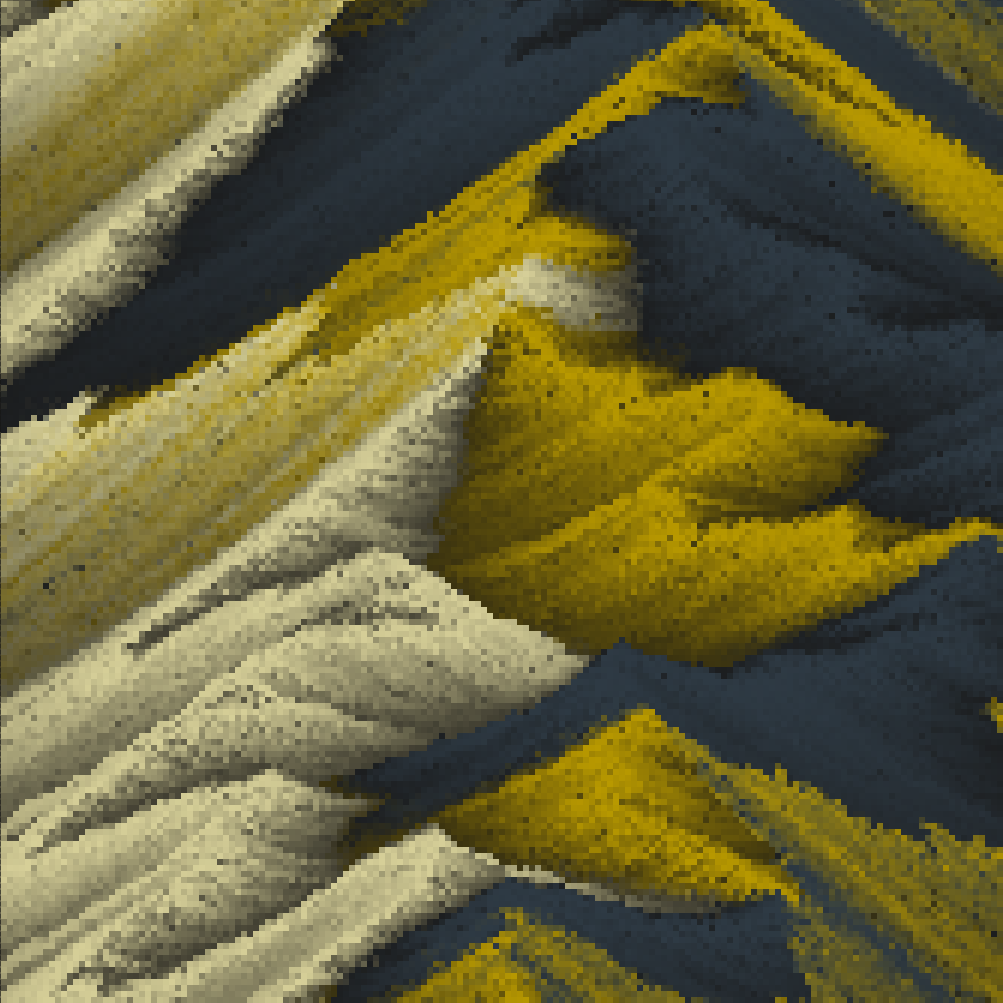

If particle B moves into an empty cell that has never had a particle in it before, it will mix a bit with that cells default color. This is where the ‘Backdrop’ trait becomes clear, and is usually visible on the edges of the canvas. ‘Darkness’ sets cells default color to the dark background color, ‘Color’ sets all cells to one color from the color palette, and ‘Static’ sets each cell to a random color from the palette. Check out the ‘Backdrop’ section of features for examples of this.
Differential Growth
At this point we have an interesting falling sand simulator, and we need an equally interesting method of pouring sand onto the canvas. At first, I used Perlin noise, since it was easily accessible. But I knew I wanted to use something more unique. Perlin noise is a wonderful tool, but after a while, its structure becomes obvious in outputs.
Differential growth is a technique I’ve used in many of my projects (Spotlight, Spaghetti Bones, Phototropism, Mister Shifty and the Drifty Dudes). It’s a method of ‘growing’ organic looking blobby shapes using simple physics rules. I’ll write an article diving into how it works in the future, so for now just know it makes complex curves like this:

Each output of Isoplanet begins by generating one of these differential growth shapes, and sand is poured from ‘sand generators’ that move along the shapes outline. Up to 4 sand generators can spawn, and each use the same shape, but can move at different rates, orientations (CW or CCW), and starting points. There’s also many ways to interpret a shape. In the above image, the black dots are the nodes that define the differential growth, and there are many interesting ways to draw a path through those nodes.
When viewing an output of Isoplanet, press ‘i’ to reveal the differential growth, and ‘d’ to restart the render and show how the differential growth was generated.